Lumière Agents on your phone
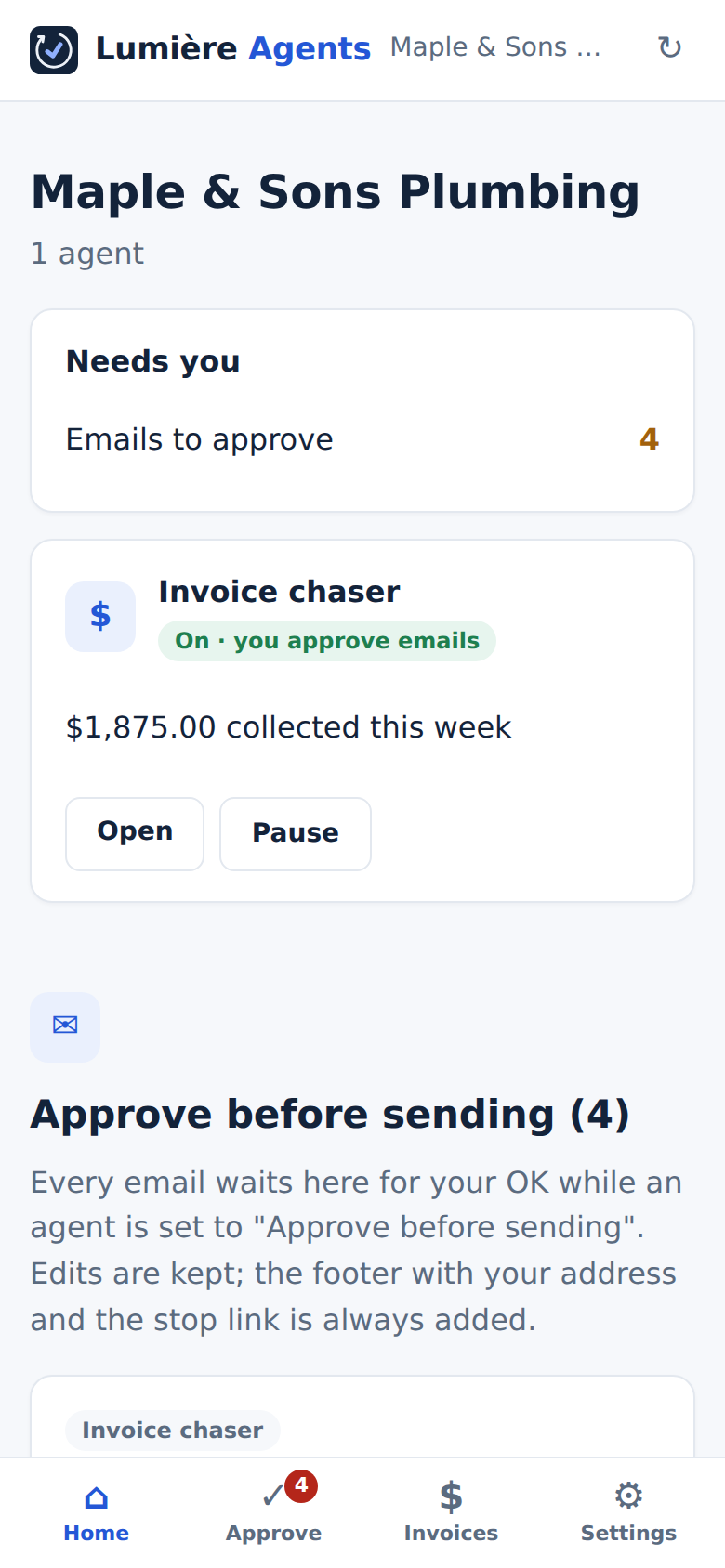
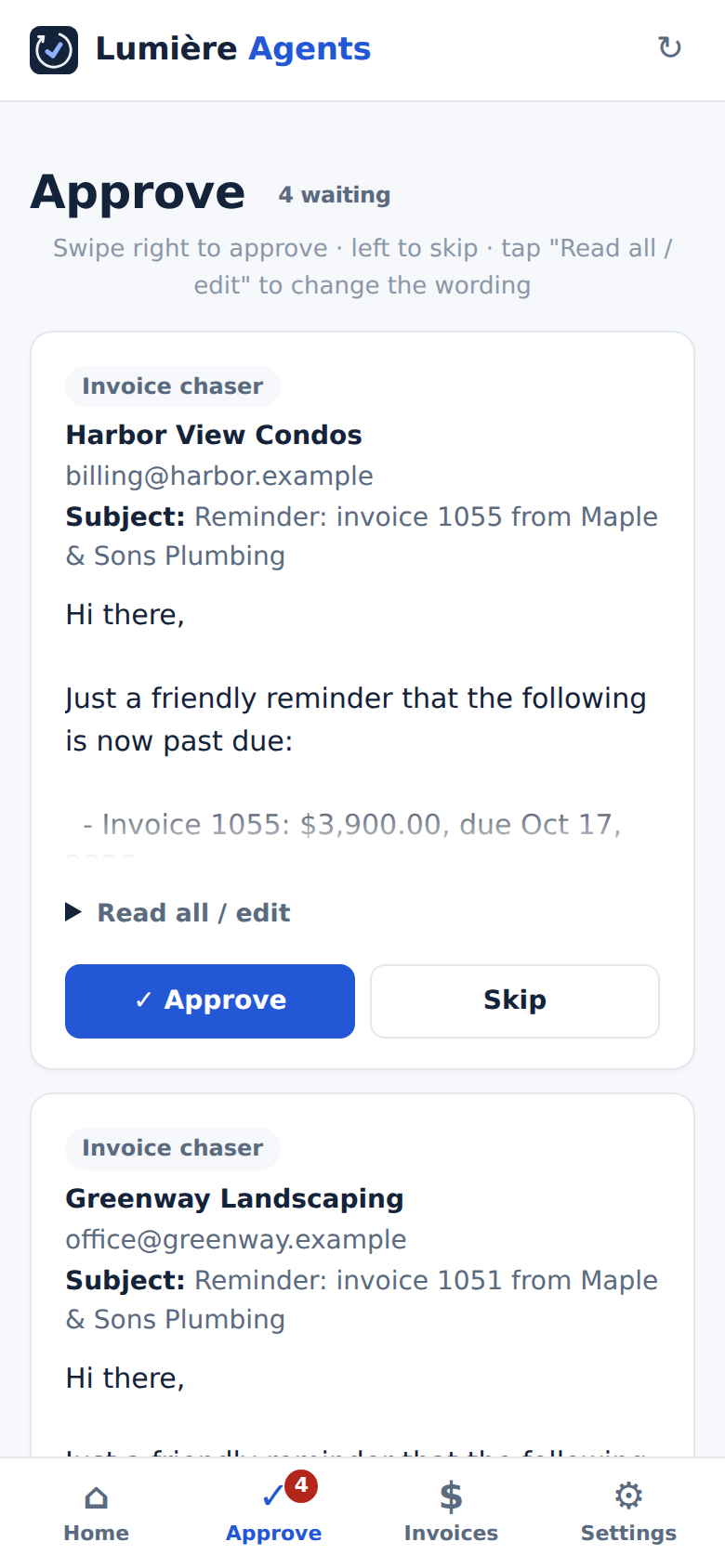
Approve follow-ups with a swipe, and get a notification when a customer replies or pays. It installs from this website in about 20 seconds and updates itself.
iPhone
- Open agents.lumierepaycheck.org in Safari.
- Tap the Share button (the square with the arrow), then Add to Home Screen, then Add.
- Open Agents from your home screen and sign in: type the 6-digit code from the sign-in email.
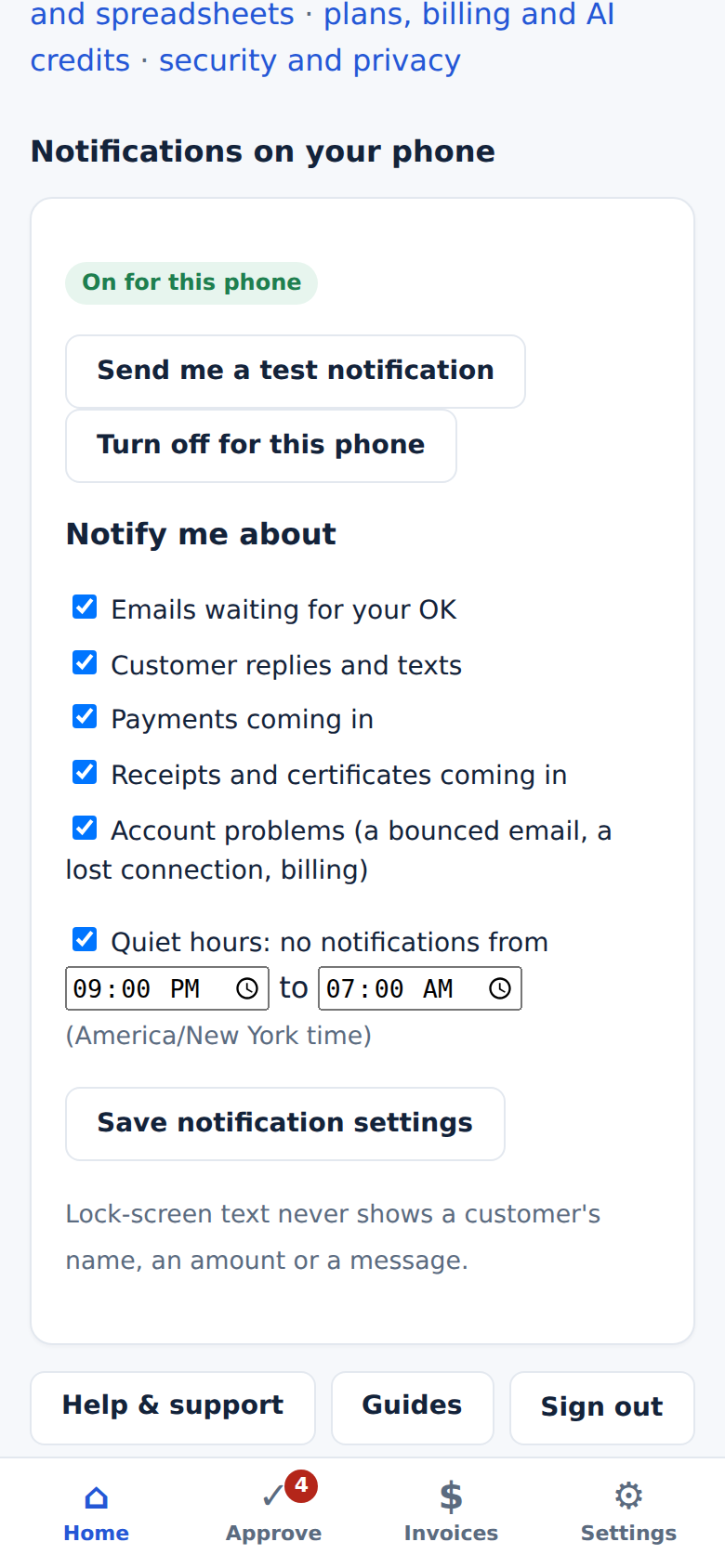
- In Settings → Notifications, tap Turn on notifications for this phone and allow them.
Notifications need iOS 16.4 or newer and the app opened from the home-screen icon.
🤖 Android
- Open agents.lumierepaycheck.org in Chrome.
- Tap Install app if it pops up, or the ⋮ menu, then Install app (or Add to Home screen).
- Open Agents and sign in with the link or the 6-digit code.
- In Settings → Notifications, tap Turn on notifications for this phone.
What you can do from your phone
Questions
Is it in the App Store or Google Play?
No: it installs straight from this website, so there's nothing to download and it's always the latest version. It opens full screen from its own icon, like any other app.
What do notifications show on my lock screen?
Only a short, general line like "A customer replied" or "A payment came in". Never a customer's name, an amount or what they wrote. Open the app to see the details.
Does it store my customers' data on my phone?
No. The app only keeps its own icon and layout on the phone. Your invoices and messages load fresh each time, and signing out removes even the layout and turns off notifications for that phone.
Can more than one person use it?
Yes. Everyone on your account installs it on their own phone, signs in with their own email, and picks their own notifications.